
Get the BigKina App
Kisim BigKina app long fon bilong yu, i fri. (Tok Pisin, under review)
BigKina is a free pokies app for Papua New Guinea. It installs from your browser in under a minute: no APK, no store account, no update downloads. Landscape lobby, big buttons, every game in Kina.
At a glance
- Price
- Free
- Works on
- Android (Chrome) and iPhone (Safari), tablets too
- Size
- Small: it is a web app, so most of it streams as you play
- Money
- Kina (PGK) only, with BSP, Kina Bank and CellMoni
- Age
- 18 and over, Papua New Guinea
- Updates
- Automatic: open the app and you have the latest version
Install on Android
- Open www.bigkina.com in Chrome.
- Tap PLAY. When the INSTALL BIGKINA card shows, tap it and confirm Install. It usually appears after your first log in; if you miss it, open MENU › INSTALL APP.
- If Chrome shows nothing, tap the three dots at the top right, then Add to Home screen or Install app.
- Close the browser and open BigKina from the new icon on your home screen.
Install on iPhone
- Open www.bigkina.com in Safari (not Chrome: on iPhone only Safari can add apps to the home screen).
- Tap the Share button, the square with an arrow pointing up.
- Scroll down and tap Add to Home Screen, then Add.
- Open BigKina from your home screen. Turn the phone sideways; the lobby is landscape.
Why BigKina is a browser app and not an APK
APK files are easy to copy, hard to update and often blocked by Android as unknown sources. A browser app is always the real BigKina from www.bigkina.com, it updates itself every time you open it, and it works the same on iPhone, where there is no APK at all. It also takes far less space on your phone.
If an APK, a Telegram file or a download site claims to be the BigKina app, it is not from us. The only BigKina is the one you install from www.bigkina.com. More on telling a copy from the real thing: is BigKina legit?.
What you get in the app
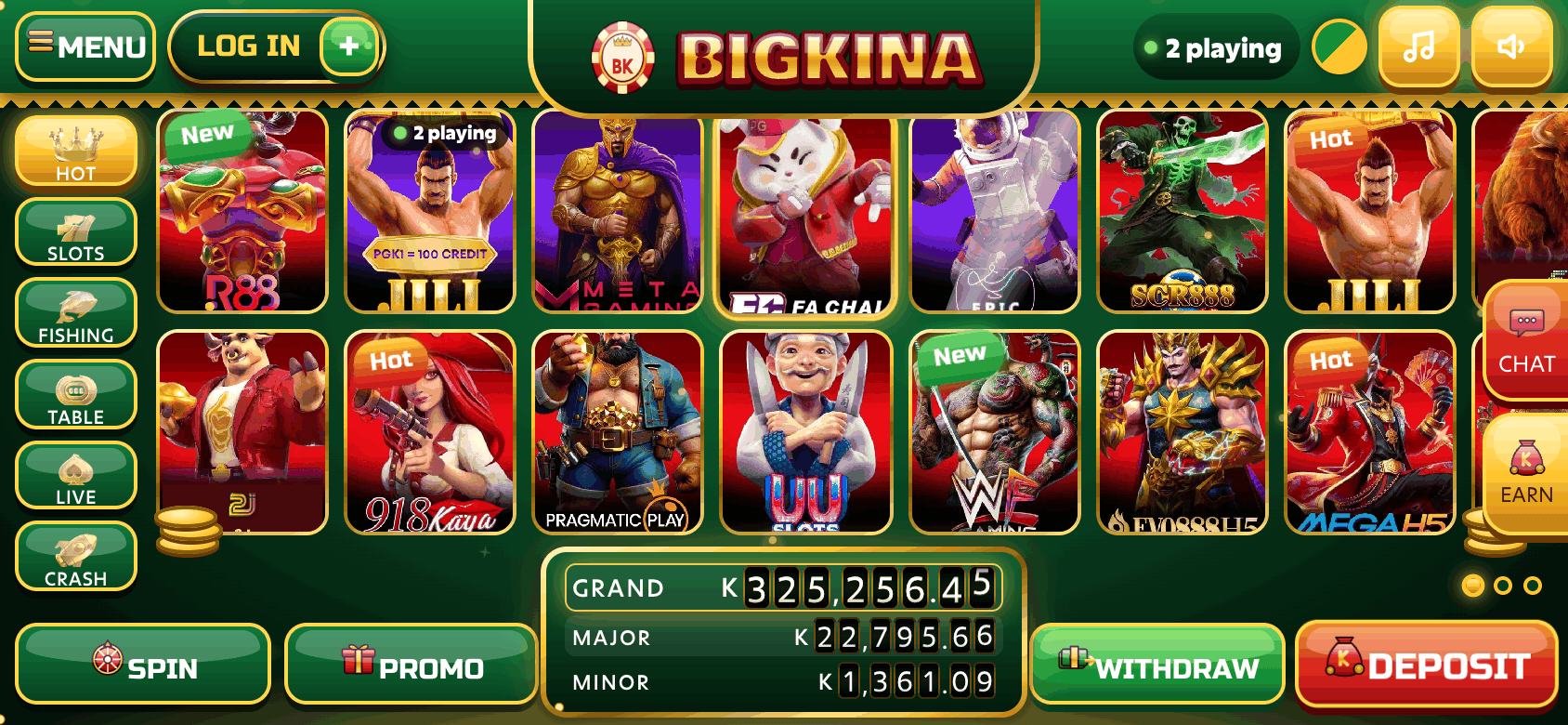
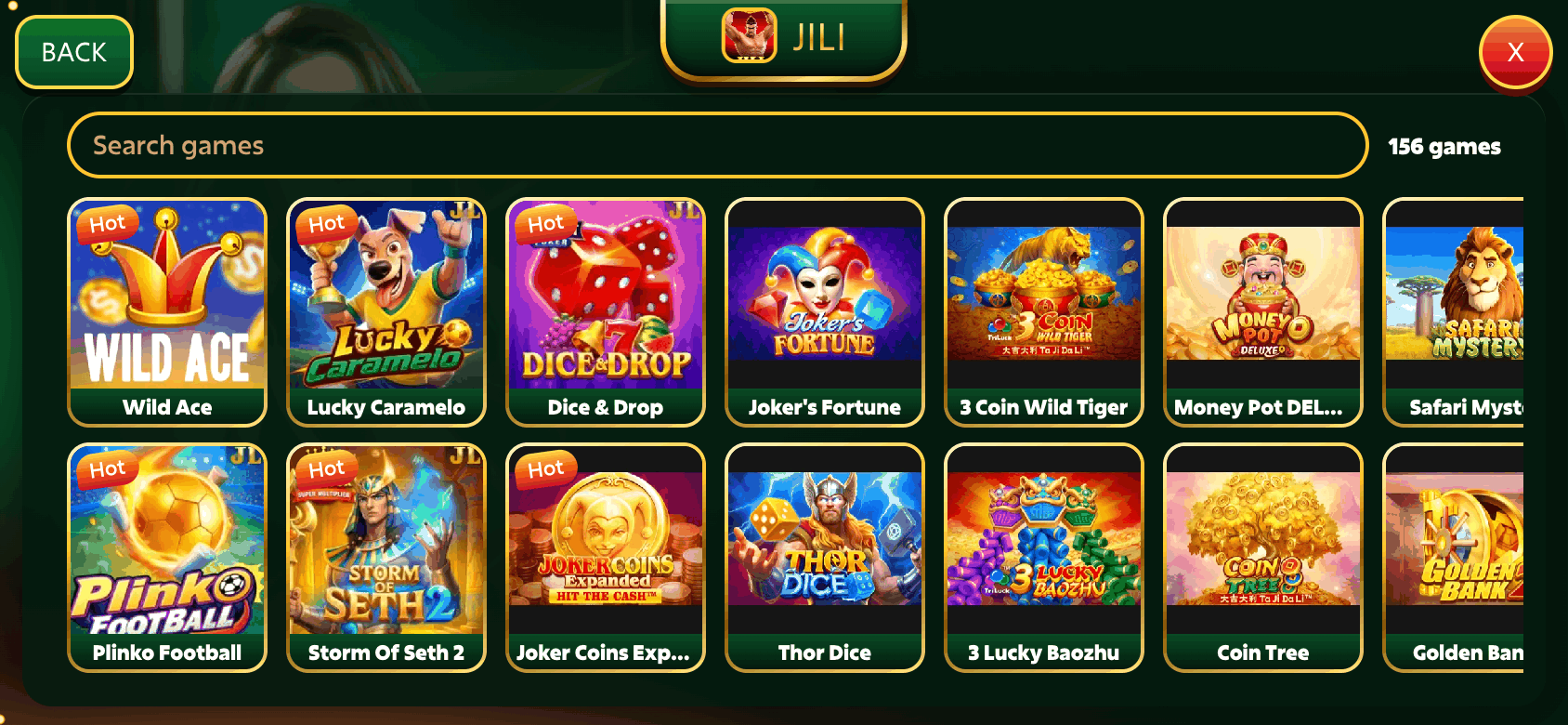
A landscape lobby with two rows of game tiles that swipe smoothly, tabs for HOT, SLOTS, FISHING, TABLE, LIVE and CRASH, a jackpot board, and one-tap panels for DEPOSIT, WITHDRAW, SPIN & WIN, PROMO and MENU. Games from JILI, PG Soft, Mega888 (Mega H5), 918Kaya, Pragmatic Play, JDB, Fa Chai and more open inside the app with your balance shown at the top.
Sound and music are on by default and switch off from MENU. The app keeps its own keypad for amounts, so the phone keyboard never comes up sideways.
After installing
Create your account with your phone number, then deposit with BSP, Kina Bank or CellMoni. Already a member? LOG IN with the same phone number and password you use in the browser; it is one account.
Install not working? The full install guide covers every step and the usual fixes for Android and iPhone.
App questions
Is there a BigKina APK?
No. BigKina installs from Chrome on Android and from Safari on iPhone; nothing is downloaded from a store or a file. Any APK claiming to be BigKina is not from us.
Does the BigKina app cost anything?
No. The app is free. You only spend money when you choose to deposit, and you can play without depositing to look around.
How much data does the BigKina app use?
The lobby itself is small. Games use the most data the first time they open; after that each spin uses very little. Live dealer tables stream video and use the most.
Can I use the same account in the app and in the browser?
Yes. The app and www.bigkina.com are the same BigKina with one account and one balance.
Why is the app sideways?
BigKina is a landscape app, like a pokies cabinet. Turn your phone sideways and unlock rotation if the lobby looks rotated.
Guides
- BigKina App Download for PNG: Get the App on Your Phone: No APK and no store: install BigKina from your browser in under a minute.
- How to Install BigKina on iPhone and Android: Android with Chrome, iPhone with Safari, and what to do if it will not install.
- BigKina Login: Sign In to Your Account: Phone number and password, forgotten passwords, and keeping your account safe.
- BigKina Deposit: BSP, Kina Bank and CellMoni: The DEPOSIT panel step by step with BSP, Kina Bank or CellMoni.
- BigKina Withdrawal: Cash Out Your Winnings in Kina: The WITHDRAW panel, name matching, turnover and payout times.
- BigKina Bonus and Daily Check-In Rewards: Daily check-in, PROMO offers, coins, VIP and the Friend Ladder.
- Is BigKina Legit? Facts for PNG Players: Who BigKina is for, how payouts work, and how to spot a fake copy.
- 918Kaya App vs the BigKina App: Classic Pokies on Your Phone: Classic app APK or browser app: how the two ways to play compare.
- Best Online Pokies in PNG: How to Pick Your Game: How to judge a pokie yourself, with no made-up rankings.
- Online Casino in PNG: What You Need to Know: Games, Kina payments and what to check before you trust a site.
- Real-Money Pokies in Kina: A Plain Guide: Betting in Kina, sizing your bets and cashing out.
- Online Pokies With BSP: Pay and Cash Out in PNG: Topping up and cashing out with your BSP account.
- JILI Games in PNG: Pokies, Fishing and Quick Games: JILI pokies, fishing, table and crash games on your phone.
- 2J Games in PNG: Pokies, Crash and Mines: How 2J pokies, crash games and Mines work.
- 918Kaya Games on BigKina: Classic Pokies for PNG: Classic 918Kaya pokies inside BigKina, with no APK.
- Mega888 Games in PNG: Play MegaH5 on BigKina: MegaH5 games with no download, and how to avoid fake links.
- Fishing Games in PNG: How to Play and What to Know: Cannons, bosses and the maths behind fishing games.
- Live Casino in PNG: Baccarat, Roulette and Blackjack: Real dealers on your phone: games, screens and data use.
- How Pokies Work: Reels, Lines, RTP and Volatility: Random results, paylines, RTP and volatility in plain words.
- Play Safe: Set Your Limits and Keep It Fun: Money and time limits, warning signs and how to get help.